Video Eraser helps creators clean clips, enhance quality, and turn videos into anime-style visuals without a desktop editing workflow.
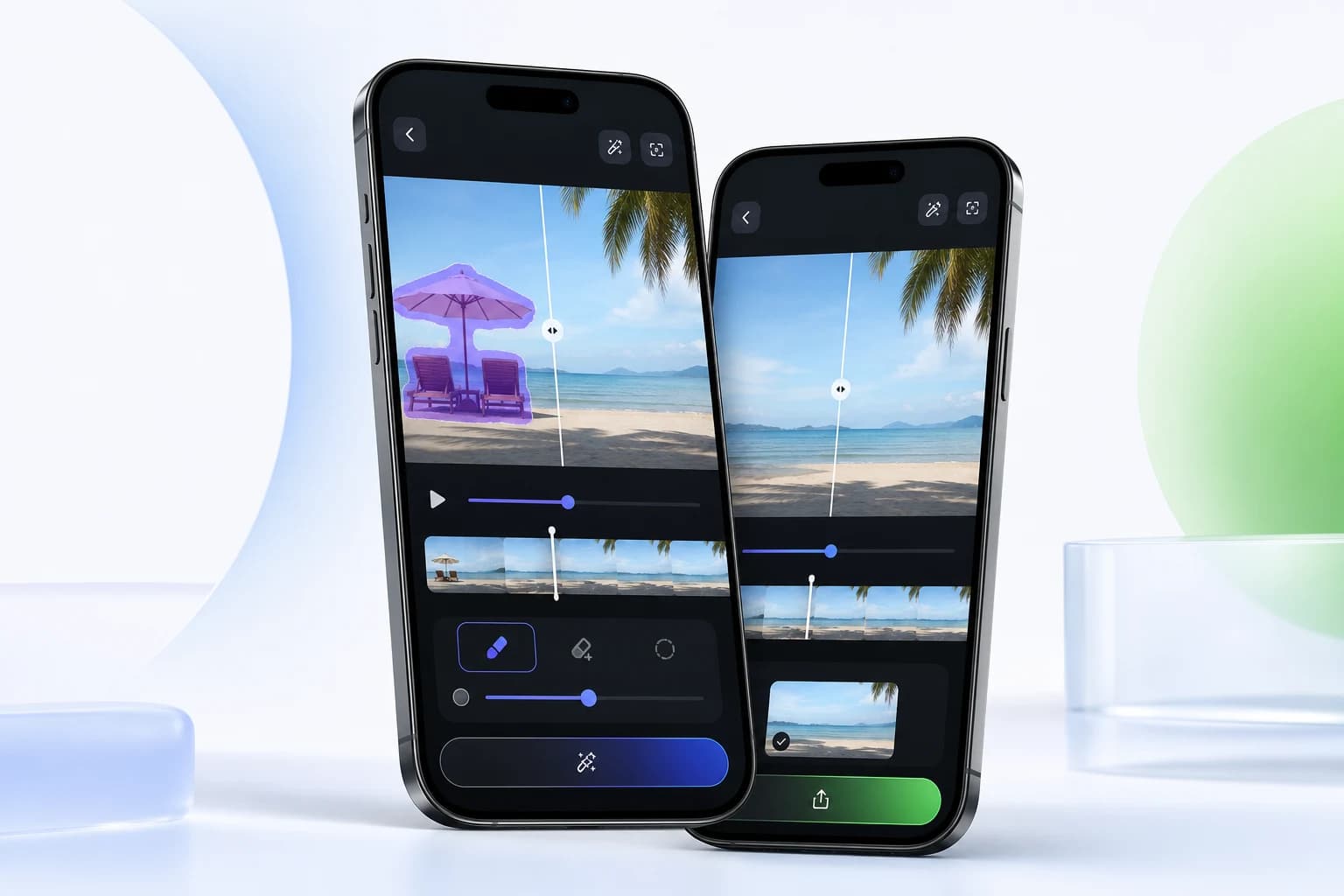
Built for fast creator workflows
Core tools
Each tool is built around one job: select the problem area, let AI process it, and export a cleaner video.
Brush over distracting people, objects, or text and let AI rebuild the background.
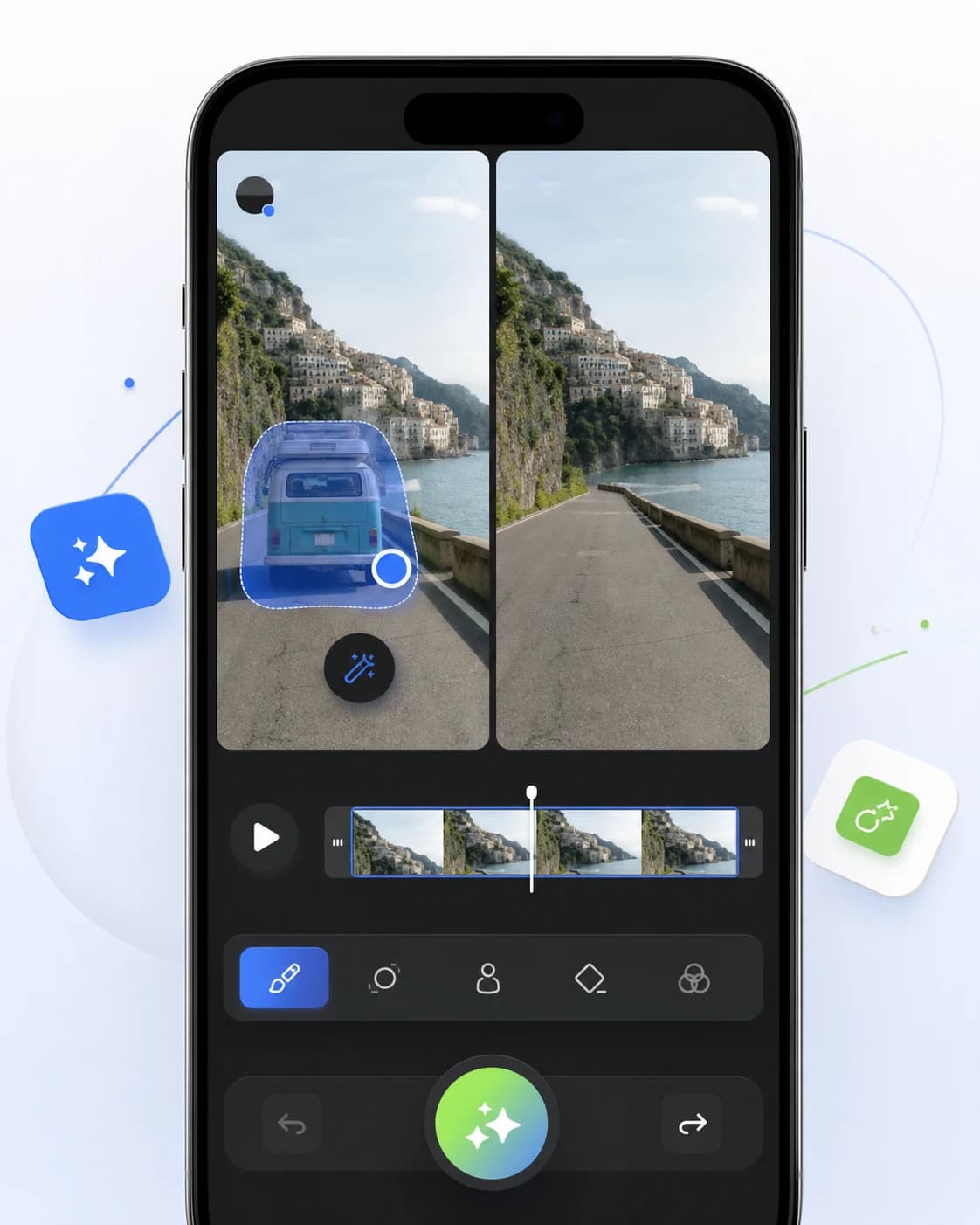
Clean timestamps, draft marks, and overlays from videos you own or can edit.
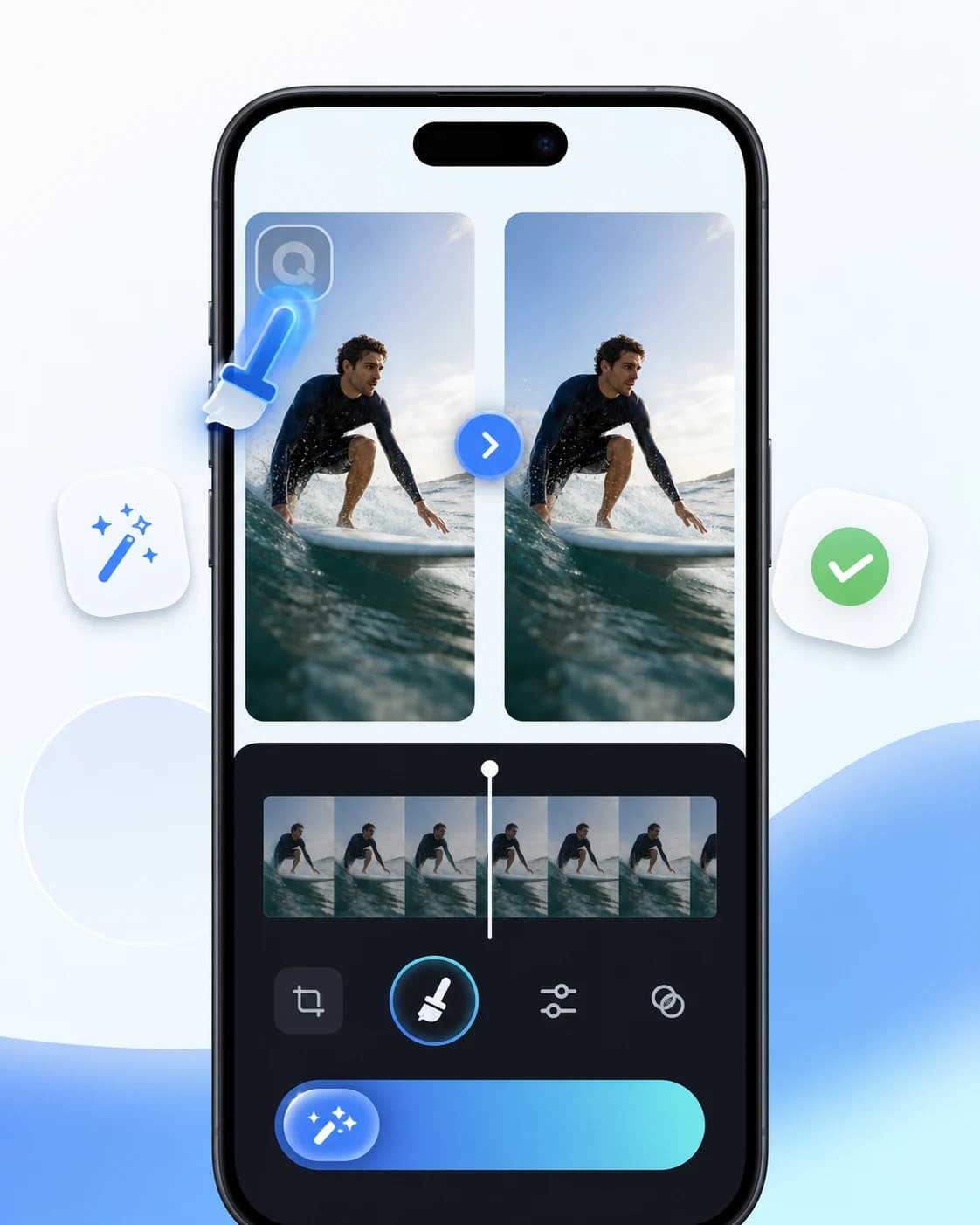
Improve clarity before posting reels, tutorials, ads, or short-form videos.
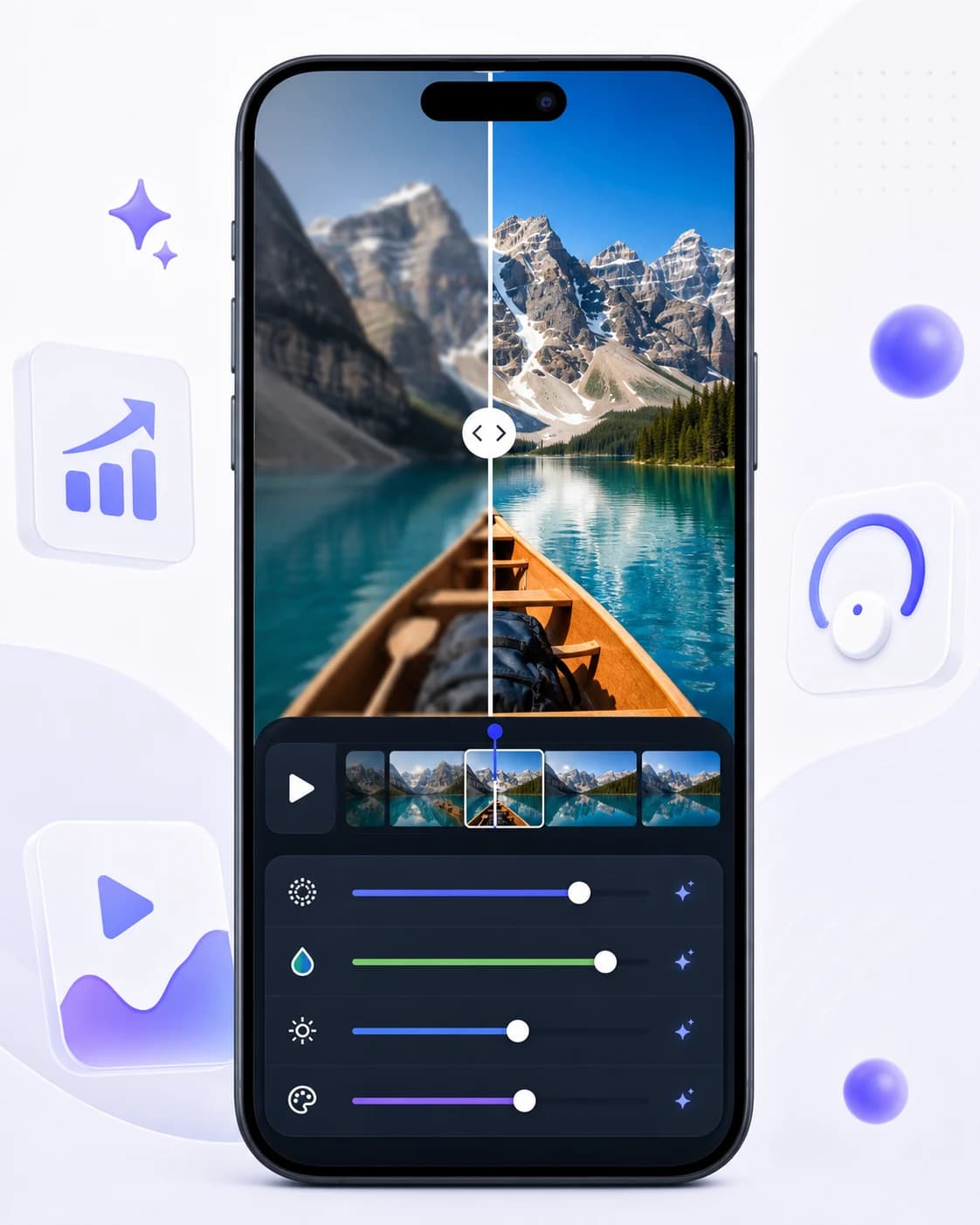
Turn ordinary clips into anime-style visuals for creative social content.
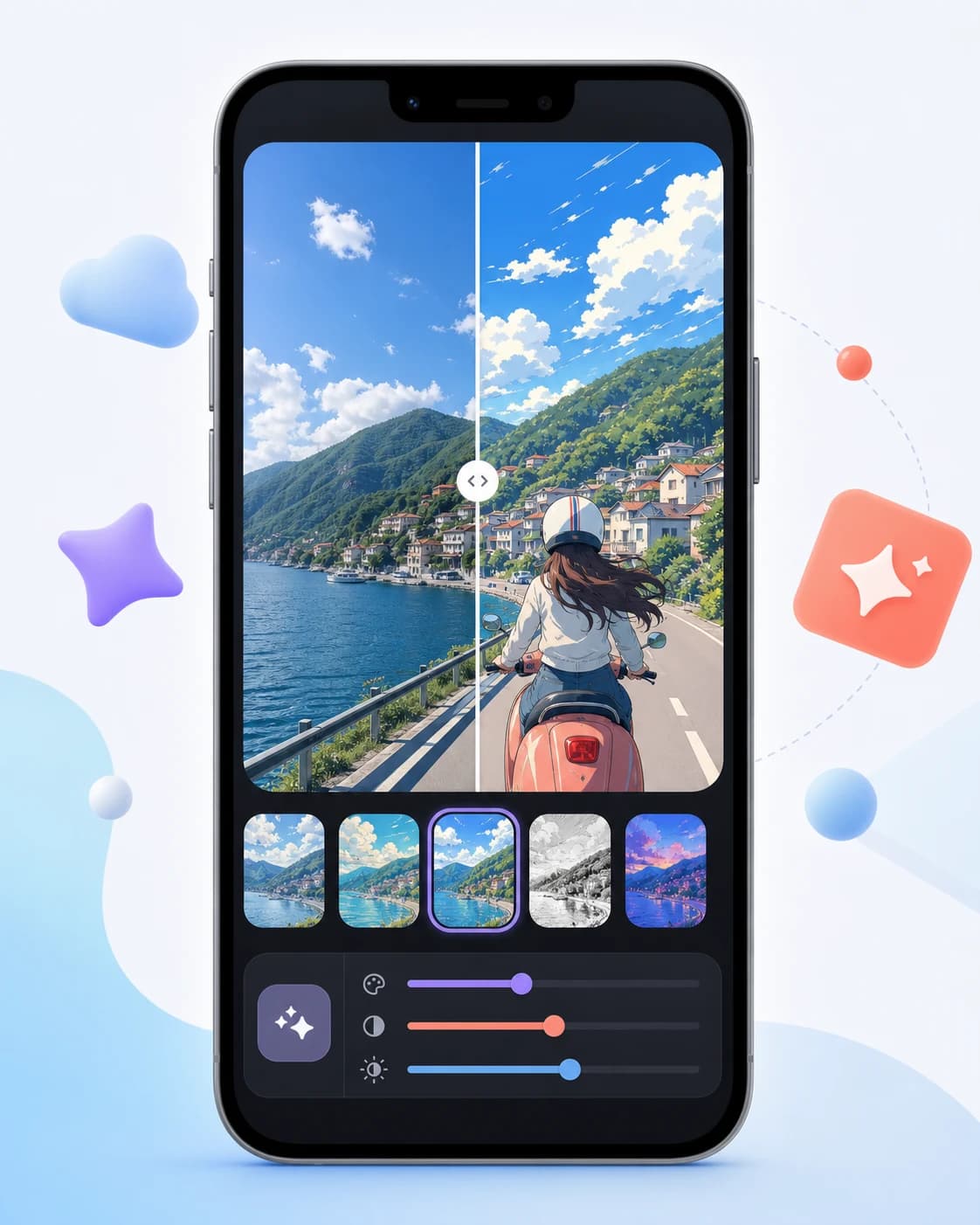
Before and after
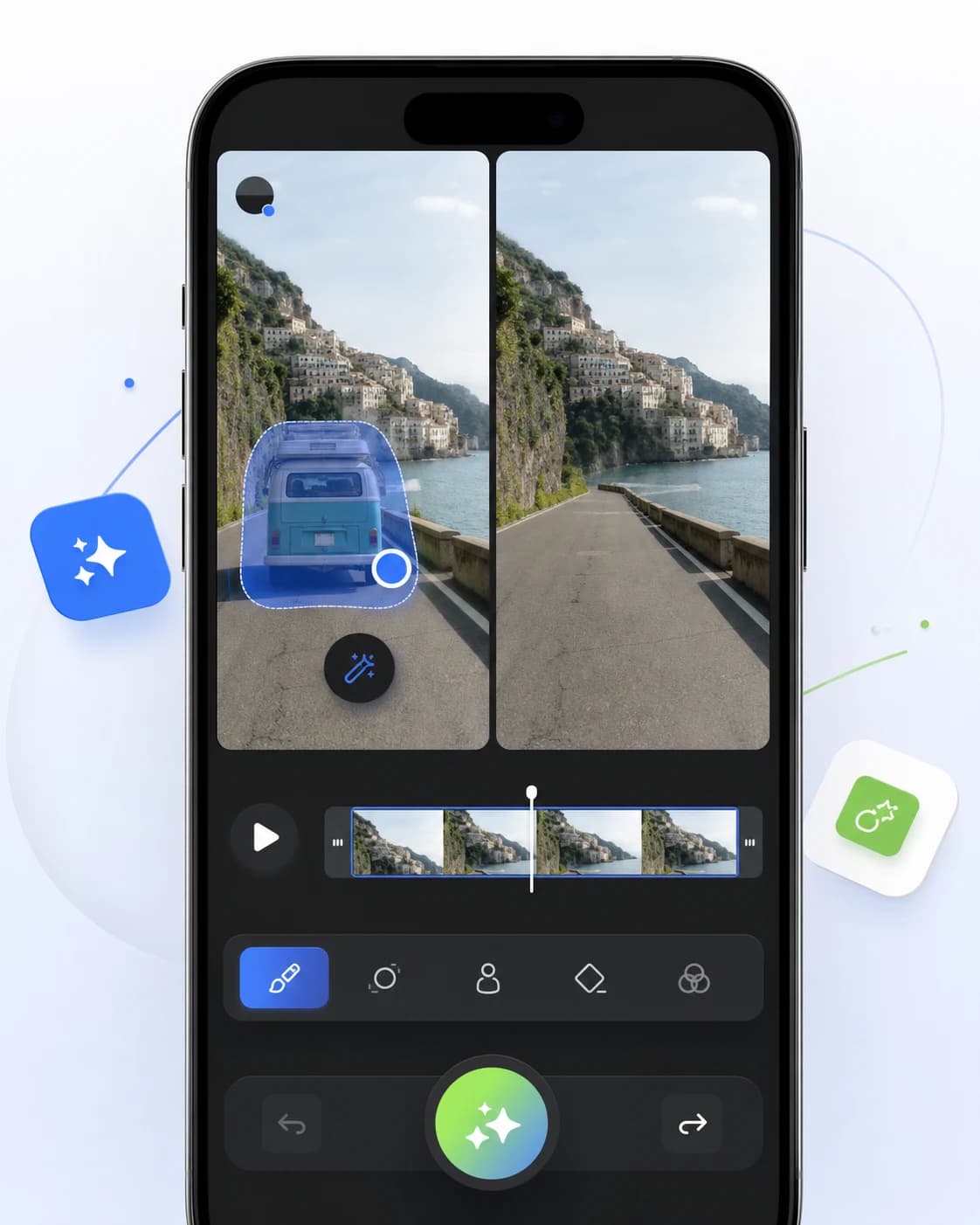
Brush over distracting people, objects, or text and let AI rebuild the background.
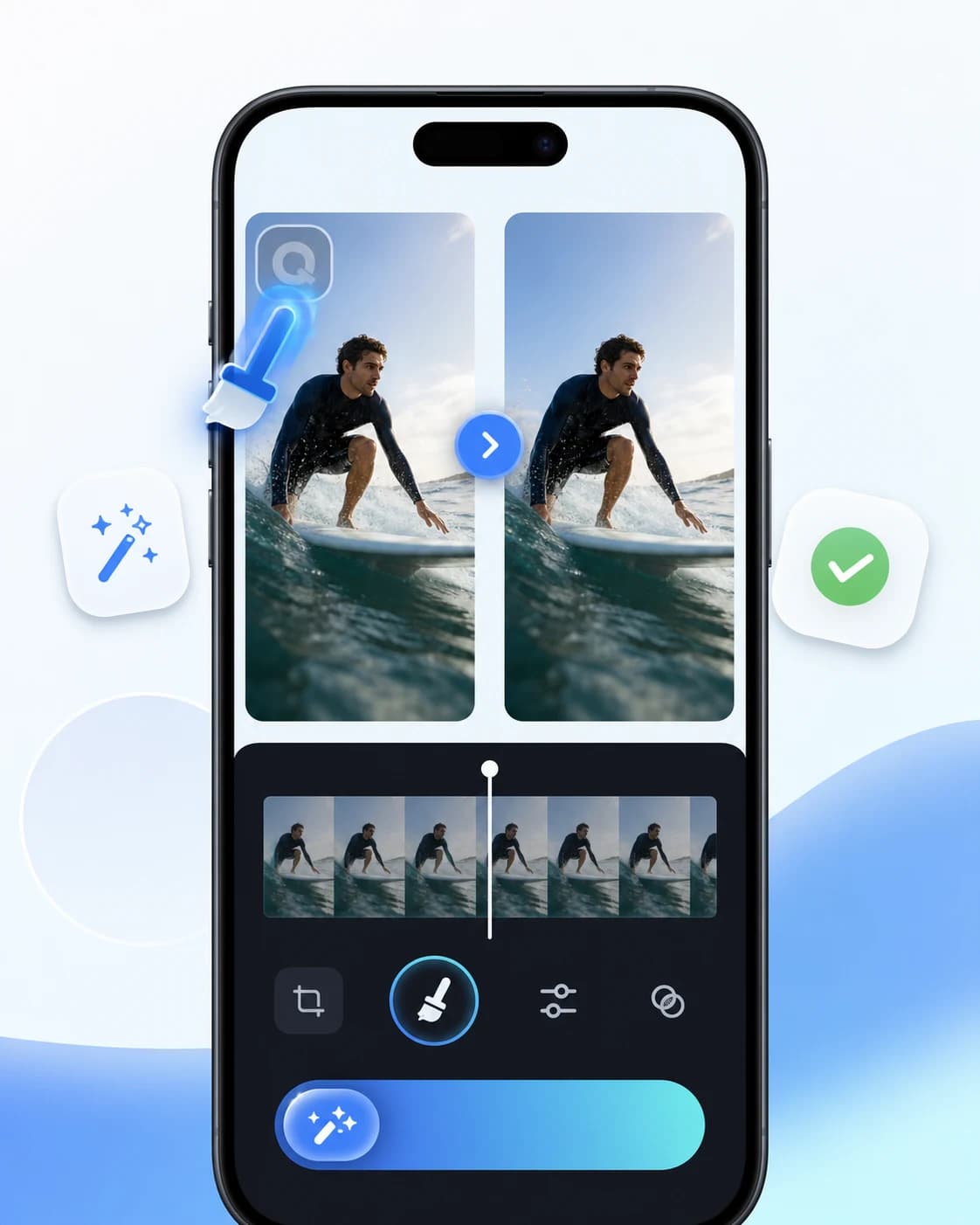
Clean timestamps, draft marks, and overlays from videos you own or can edit.
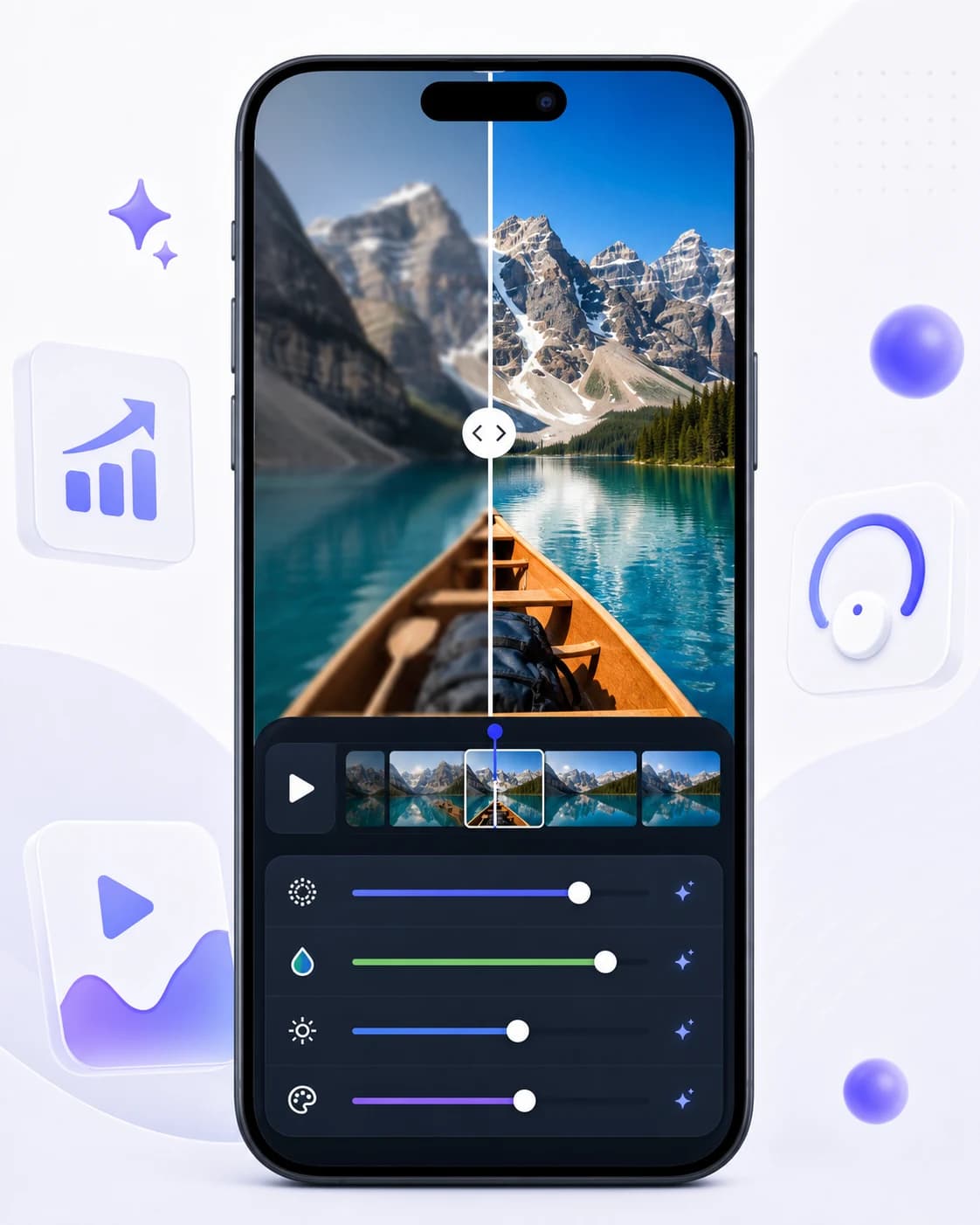
Improve clarity before posting reels, tutorials, ads, or short-form videos.
Use cases
Fix clips fast before posting to TikTok, Reels, Shorts, or creator portfolios.
Clean campaign clips, product videos, and ad drafts without opening desktop software.
Remove distractions from product demos, event clips, tutorials, and promos.
Clean travel, family, and daily footage while preserving the original frame.
How it works
The workflow stays focused: choose the clip, mark the edit, export the result.
Choose a clip from your phone and open the tool that matches your edit.
Mark the object, logo, watermark, or rough section you want AI to process.
Preview the edited video and save a cleaner version for publishing.
FAQ
Clear answers for object removal, watermark cleanup, mobile editing, and responsible use.
Yes. Select the object or distraction and Video Eraser processes the marked area while preserving the original frame.
Download the app
Get Video Eraser for mobile object removal, watermark cleanup, logo removal, enhancement, and anime-style transformations.

 Google Play
 App Store